


Multi-Factor Authentication for UAE Businesses: Why It Matters and How to Set It Up
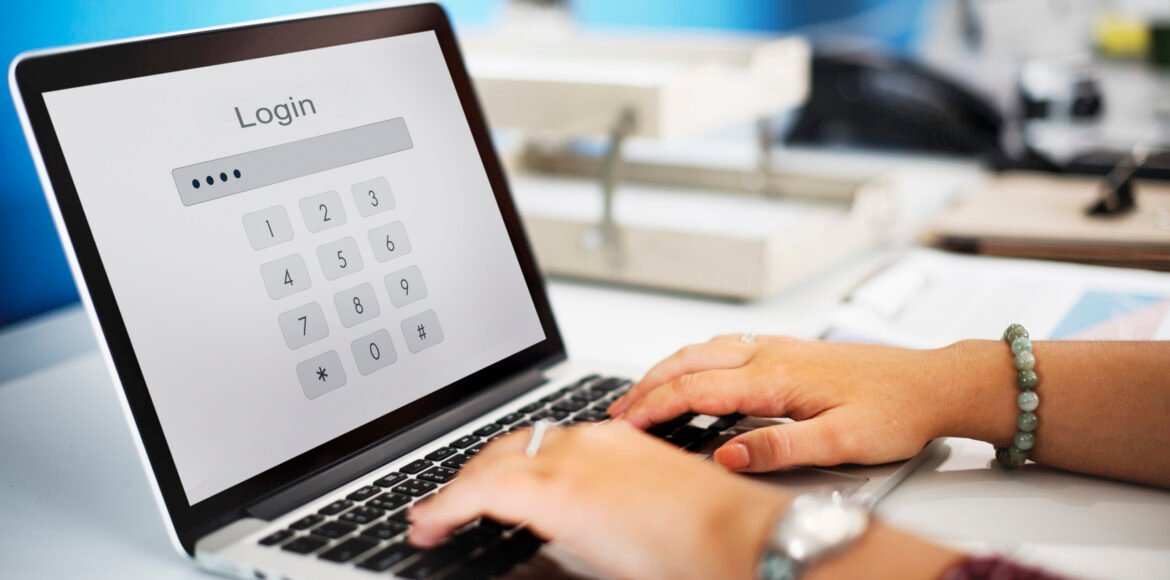
If you had to pick one security measure that delivers the most protection per hour of effort, multi-factor authentication wins decisively. It is not the most exciting topic in cybersecurity. There are no dramatic incident stories attached to it. That is largely because when MFA is in place, the dramatic incident often does not happen.
Microsoft’s own security data shows that MFA blocks over 99.9 per cent of automated account takeover attacks. That figure is remarkable. It means that even if an attacker has your username and password, which happens more often than most people realize through phishing and data breaches, they still cannot get into your account.
This guide explains what MFA is, why it matters specifically for UAE businesses in 2026, and walks through the practical steps for setting it up across the accounts that matter most.
|
From the Teclonex security team Teclonex has deployed MFA for businesses across Dubai, Abu Dhabi, and Sharjah in sectors ranging from financial services to hospitality to healthcare. The most common response we hear after enabling it is “I should have done this two years ago.” The setup takes a few hours. The protection is immediate. |
What Multi-Factor Authentication Actually Is
Authentication is how a system verifies that you are who you say you are. Traditional authentication uses a password: something you know. Multi-factor authentication adds a second verification step from a different category.
| Factor Category | Examples | Common MFA Use |
| Something you know | Password, PIN | First factor (primary) |
| Something you have | Authenticator app, SMS code, hardware key | Second factor (MFA) |
| Something you are | Fingerprint, face recognition | The second factor on mobile devices |
When MFA is enabled, logging in requires both your password and a second verification. Even if an attacker has your password from a phishing email or a data breach, they cannot complete the login without also controlling your phone or hardware key.
Why UAE Businesses Are Particularly Exposed Without MFA
Several factors make UAE businesses especially vulnerable to credential attacks.
First, the UAE is a high-value target for financially motivated attackers. The concentration of businesses in financial services, real estate, trade, and professional services means that compromised accounts often have significant financial value.
Second, Business Email Compromise (BEC) attacks are a growing concern in the UAE market. These attacks involve compromising a business email account and using it to divert payments, request wire transfers, or harvest sensitive information. BEC losses run into millions of dirhams annually in the UAE. MFA on email accounts prevents the most common attack vector.
Third, password reuse is extremely common. When a data breach at one service exposes a username and password combination, attackers test those credentials against hundreds of other services automatically. If your staff reuse passwords across personal and work accounts, and most people do, a breach at an unrelated site can expose your business systems.
Where to Enable MFA First: Priority Order for Dubai Businesses
- Microsoft 365 and Google Workspace
Your email and cloud collaboration platform is the highest-value target. Compromising it gives an attacker access to email history, files, contacts, and potentially the ability to impersonate you to clients and suppliers. Enable MFA on Microsoft 365 or Google Workspace before anything else.
- Business banking portals
Almost all UAE business banking portals support MFA. If yours does not, call your bank and ask about additional security options. The financial cost of a compromised business banking account can be devastating, and recovery is not guaranteed.
- VPN and remote access
If staff can access internal business systems remotely, that access point needs MFA. An attacker with stolen credentials and no MFA on the VPN can reach your internal network as if they were sitting in your office.
- Cloud storage and file-sharing platforms
OneDrive, SharePoint, Dropbox, Google Drive. Any platform where business files are stored needs MFA. File storage often contains sensitive information and credentials for other systems.
- Business management software
CRM systems, accounting software, HR platforms. Any system that contains client data, financial records, or employee information is a valuable target. Most modern business SaaS applications support MFA.
How to Enable MFA on Microsoft 365: Step by Step
For most Dubai businesses, Microsoft 365 is the most important platform to secure first. Here is the practical process.
- Sign in to the Microsoft 365 admin center at admin.microsoft.com with a global administrator account.
- Navigate to Users and then select Active Users.
- Select the option for Multi-Factor Authentication, which opens the MFA management portal.
- Select all users or a specific group and choose to enable MFA.
- Communicate to staff that they will be prompted on their next login to set up their MFA method.
- Users are prompted to download the Microsoft Authenticator app and scan a QR code to link it to their account.
- After setup, every login prompts for a notification approval or a six-digit code from the authenticator app.
The above is the basic process. For businesses that want stronger security, Microsoft offers Conditional Access policies through Azure Active Directory that can enforce MFA based on specific conditions: logging in from an unknown device, accessing from outside the UAE, or logging in at unusual times.
Conditional Access requires Microsoft 365 Business Premium or higher. For businesses handling sensitive data, it is worth the investment.
Choosing the Right MFA Method
| MFA Method | Security Level | Usability | Recommended For |
| Authenticator app (Microsoft or Google) | High | Good | Most Dubai businesses. Best balance of security and convenience. |
| SMS text message code | Medium | Good | Acceptable if the authenticator app is not feasible. Can be intercepted via SIM swap. |
| Hardware security key (YubiKey) | Very High | Moderate | High-value accounts, executives, finance teams, and IT administrators. |
| Push notification approval | High | Very Good | Good for organisations using Microsoft Authenticator. It can be fatigued if poorly configured. |
| Email code | Low | Good | Not recommended. If the email is compromised, the MFA code is also accessible. |
Common MFA Pitfalls to Avoid
- Enabling MFA but leaving legacy authentication protocols active. Older email clients and some applications can authenticate without MFA if legacy auth is not blocked. In Microsoft 365, blocking legacy authentication is a separate setting.
- Not planning for MFA recovery. What happens when a staff member gets a new phone and loses their authenticator? Have a documented process for resetting MFA before someone is locked out urgently.
- Sending MFA codes via email. If the email account is what you are trying to protect, sending the second factor to that same email account defeats the purpose entirely.
- MFA fatigue attacks. If a user receives repeated MFA approval requests they did not initiate, they may eventually approve one to make it stop. Use number matching in Microsoft Authenticator to prevent this.
|
Need MFA Deployed Across Your Dubai Business? Teclonex configures MFA for Microsoft 365, cloud platforms, and VPN access for Dubai businesses. Setup typically takes one day. Protection is immediate. WhatsApp: +971 54 219 6496 Email: info@teclonex.com Web: teclonex.com/cybersecurity-services-dubai/ |
Frequently Asked Questions
Q: Does MFA actually stop hackers from getting into accounts?
A: Yes, for the majority of automated attacks and most targeted attacks. Microsoft data shows MFA blocks over 99.9 percent of automated account takeover attempts. What it does not protect against is an attacker who has physical access to your authenticator device and your password simultaneously, or highly sophisticated social engineering that tricks a user into approving a fraudulent MFA request. For the attack types that actually hit UAE SMEs, MFA is highly effective.
Q: What happens if a staff member cannot access their MFA device?
A: This is the most common practical challenge with MFA deployment. Best practice is to set up at least two authentication methods per user during initial setup, such as the authenticator app and a backup phone number. IT administrators should have a documented process for resetting a user’s MFA after verifying their identity. For high-value accounts, a hardware security key registered as a backup method provides a physical fallback that cannot be lost in the same way as a phone.
Q: Is MFA required by law for UAE businesses?
A: Not universally, but increasingly in regulated sectors. UAE financial institutions supervised by the Central Bank are required to implement strong customer authentication. Healthcare providers under the Dubai Health Authority and Abu Dhabi Health Services have specific security requirements. NESA information assurance standards reference strong authentication controls. Even outside formal regulatory requirements, MFA is increasingly expected by enterprise clients and insurers as a baseline security control.
Q: How long does it take to enable MFA for a Dubai business on Microsoft 365?
A: The administrative setup takes around one to two hours for a typical Microsoft 365 tenancy. Communicating to staff, supporting them through the authenticator app setup, and handling any troubleshooting typically adds another half day. For organisations of 20 to 50 users, Teclonex typically completes a full MFA rollout in one working day, with a brief communication sent to staff in advance explaining what to expect and why it is being implemented.
Q: Can MFA be bypassed or defeated?
A: MFA makes accounts significantly harder to compromise, but no security control is unconditional. Known weaknesses include SIM swap attacks on SMS-based MFA (where an attacker convinces a mobile carrier to transfer a phone number), MFA fatigue attacks (where repeated push notifications eventually get approved), and real-time phishing proxies that capture MFA tokens as they are entered. Using an authenticator app rather than SMS, enabling number matching in Microsoft Authenticator, and educating staff on what legitimate MFA requests look like address most of these weaknesses.